Your Executive Memory.
Powerful Features
Everything you need for structured executive knowledge.
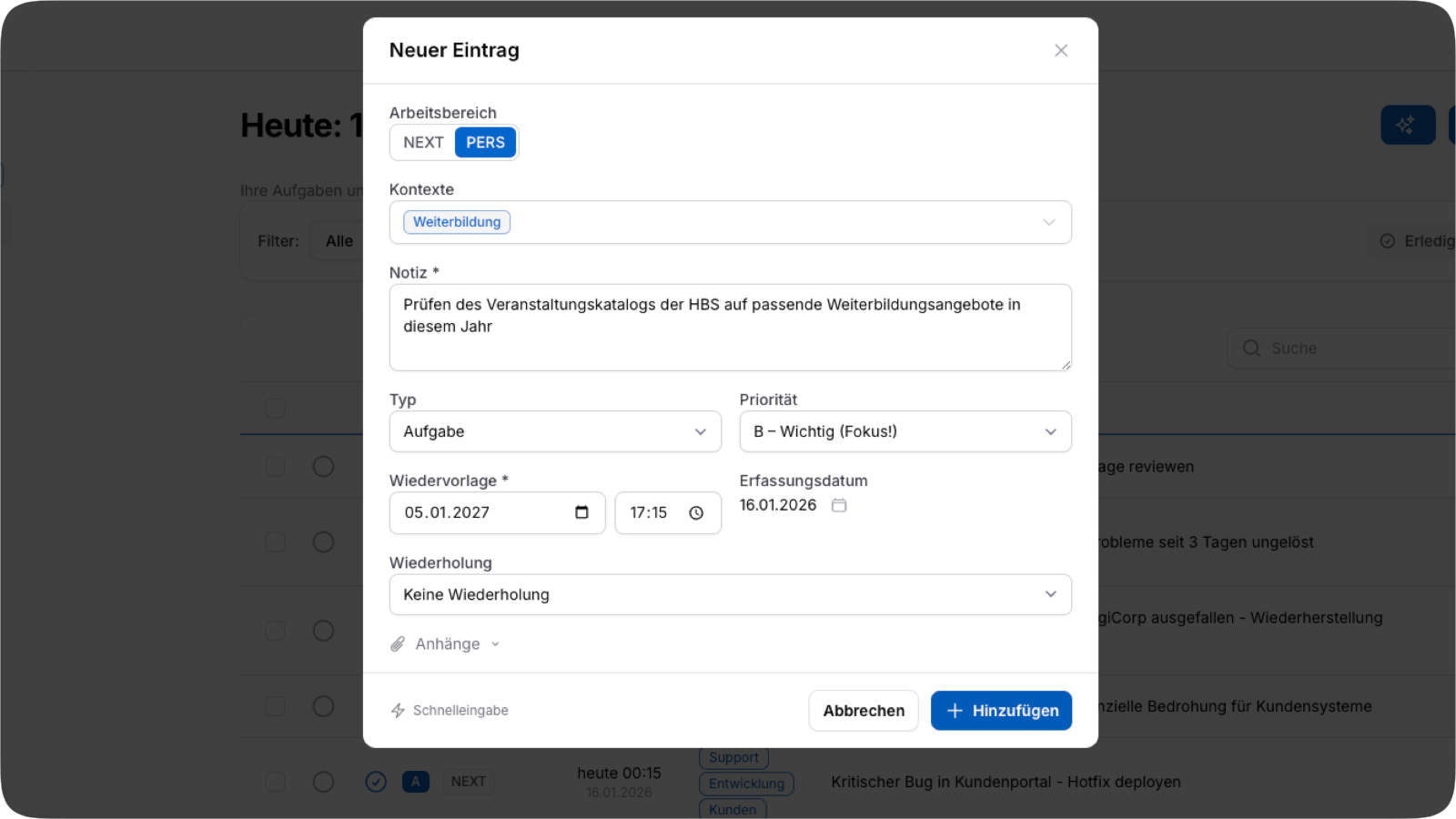
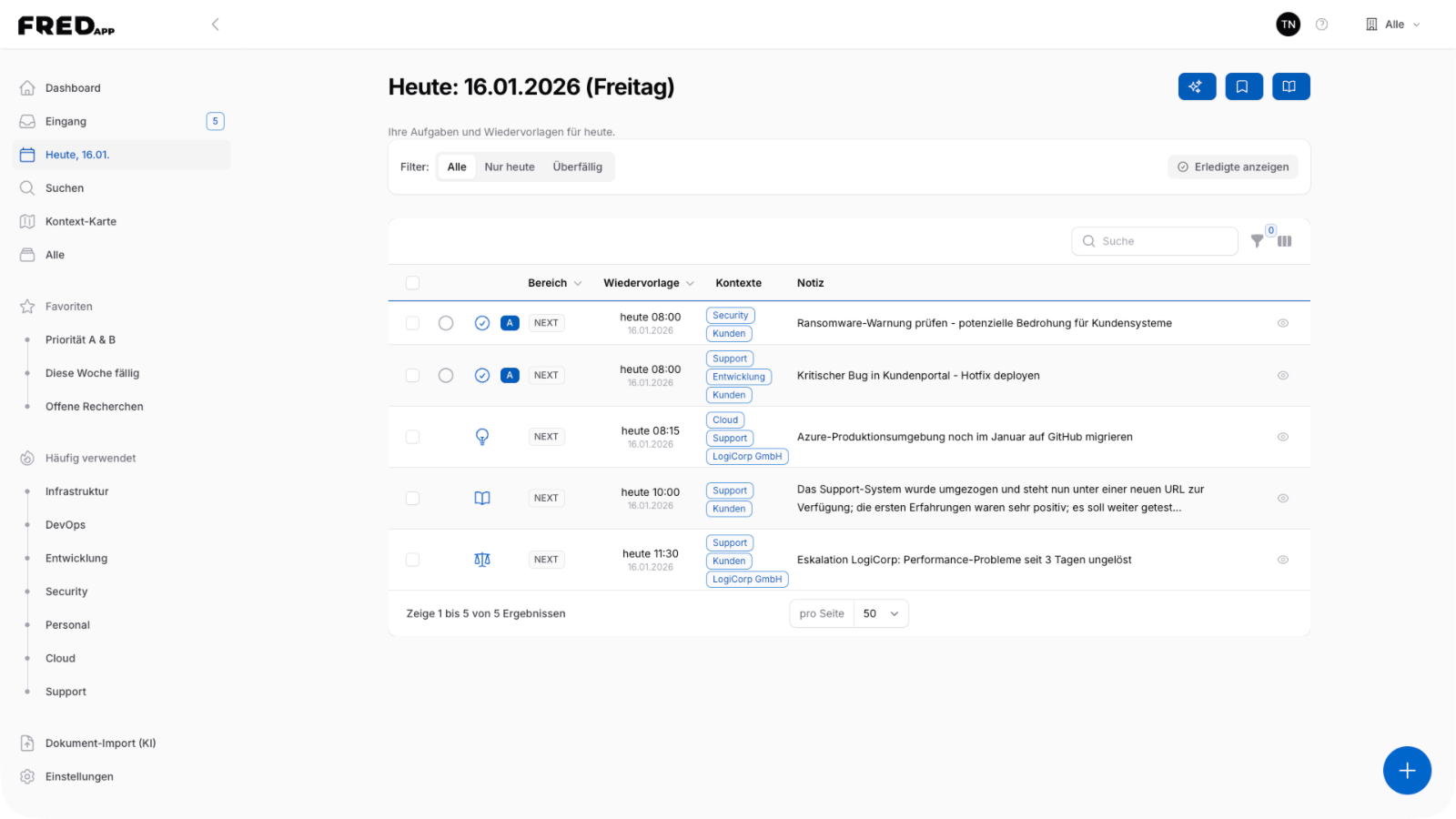
Follow-Up System
Information is not just captured but made available again at a later point in time – exactly when needed for decisions.
- Flexible dual-date system (date + follow-up)
- Recurring tasks (daily, weekly, monthly, yearly)
- Configurable date format
Context-Based Structure
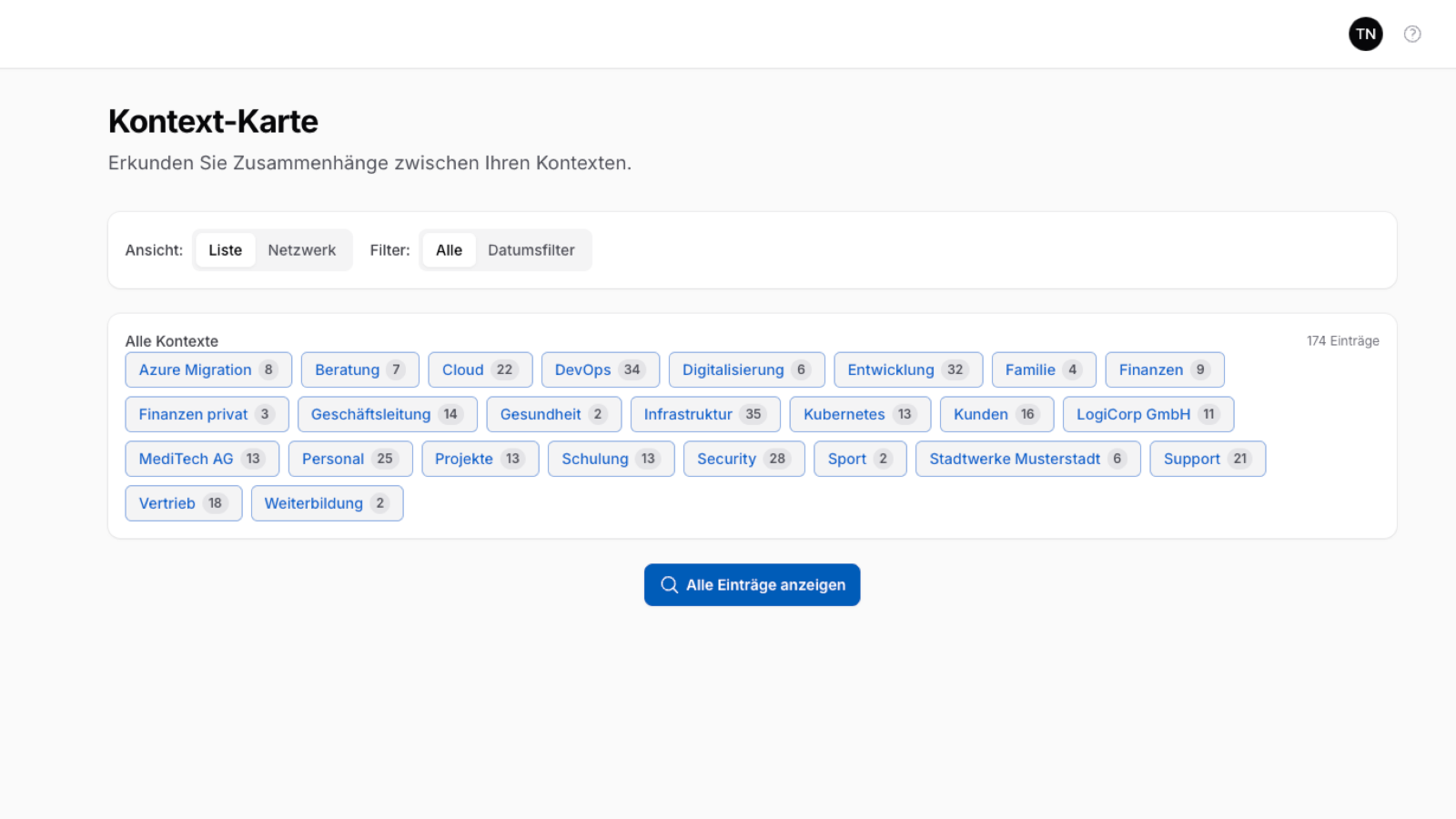
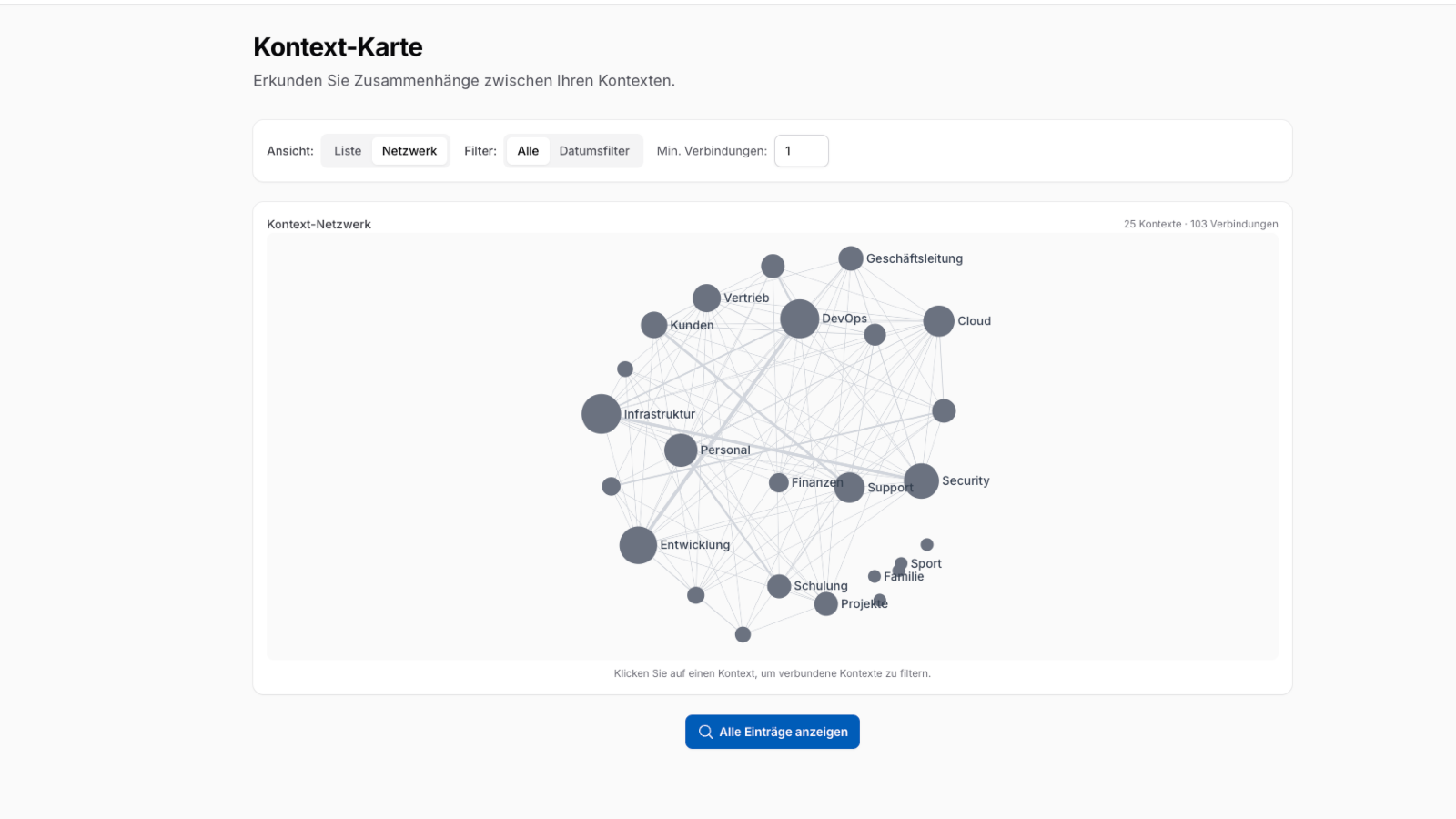
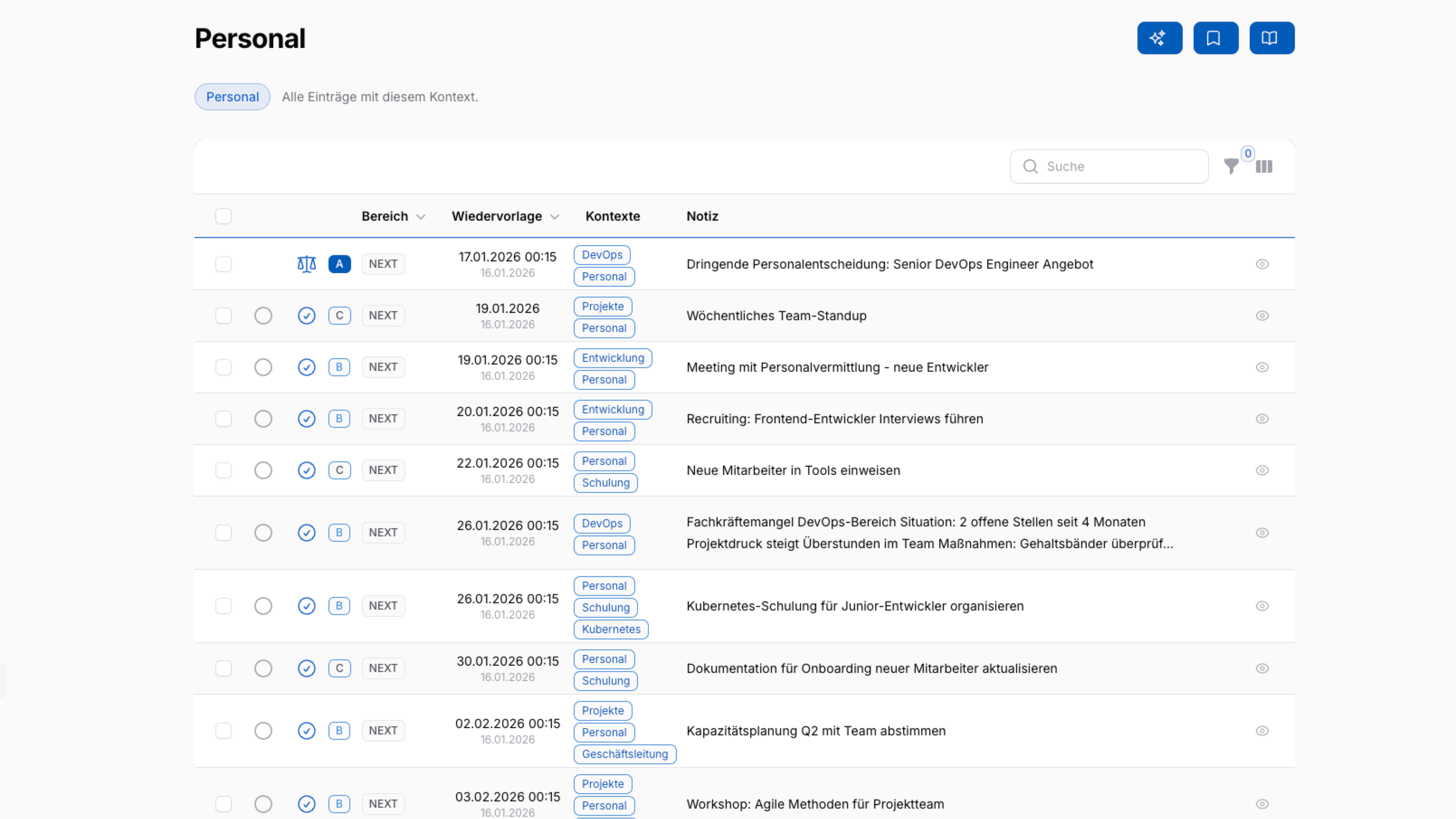
Assign each entry to projects, people, or strategic initiatives. This creates a networked knowledge and decision system.
- Multiple context assignment possible
- Context map to visualize relationships
- Smart case handling
Clear Classification
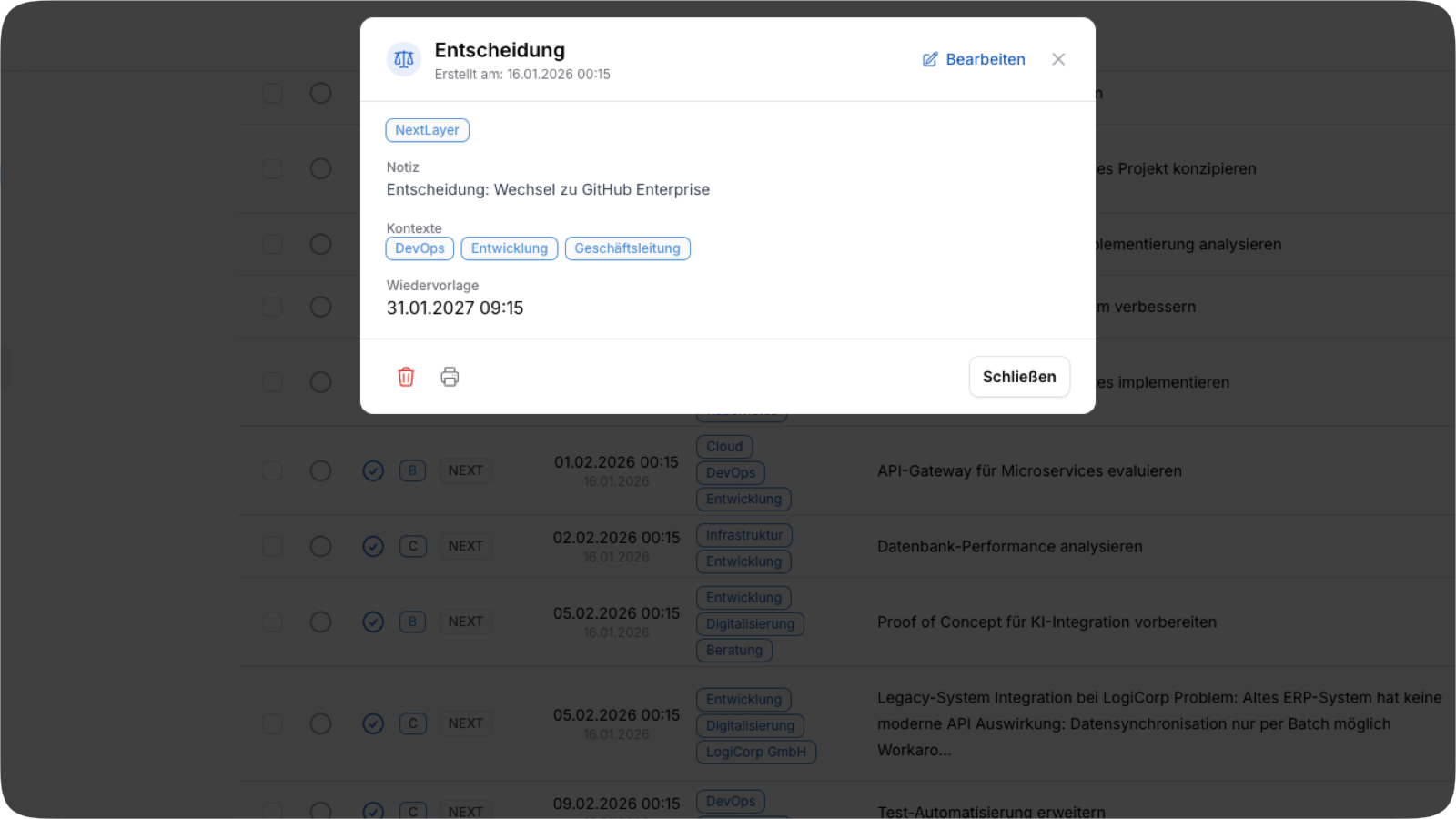
Each entry is clearly classified and prioritized. Six entry types and four priority levels ensure clarity.
Six Entry Types
Four Priority Levels
Professional
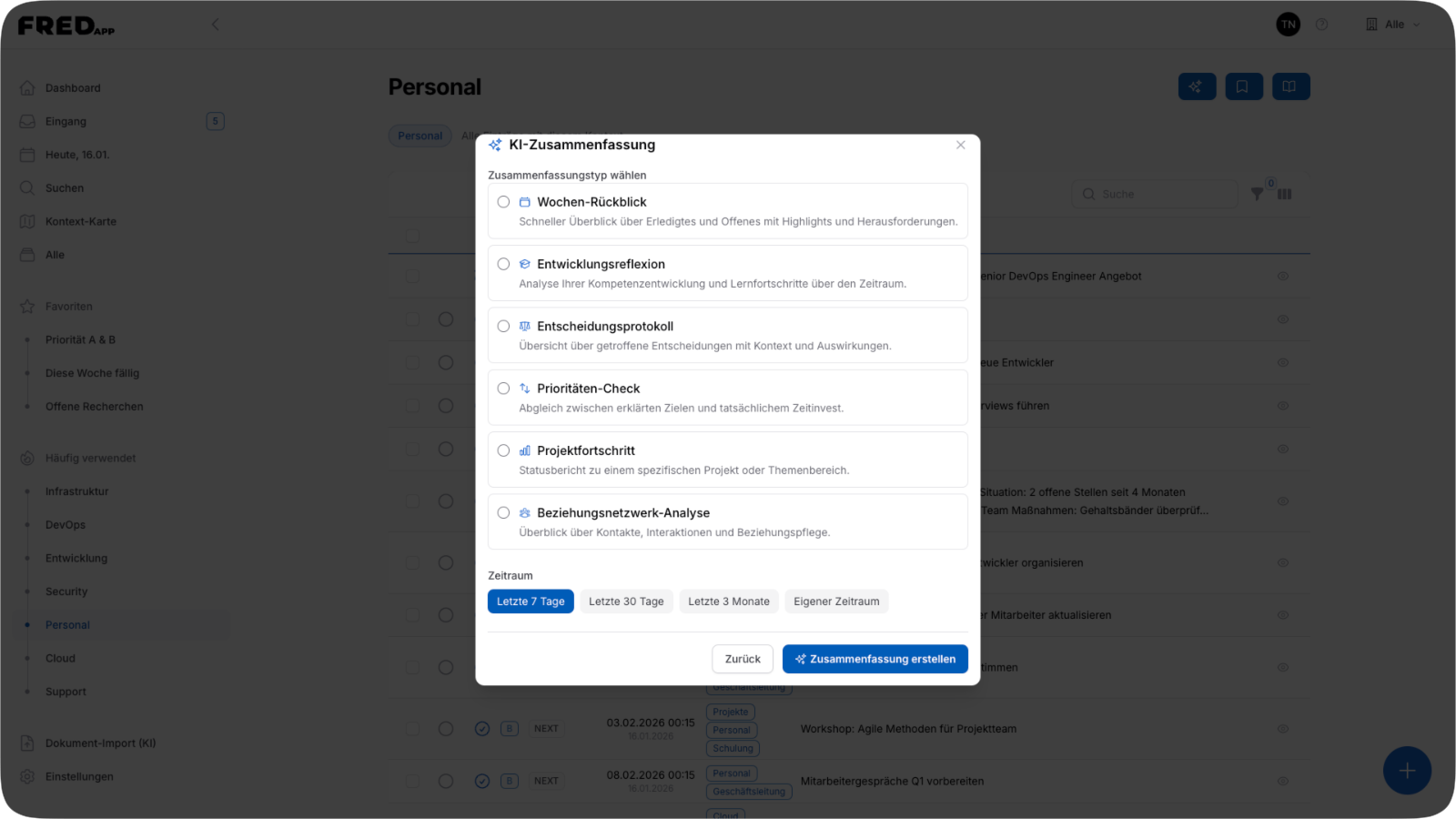
AI Summary
Your personal management coach based on your own data. AI analyzes your entries and delivers insights for more clarity and focus.
- Self-coaching: Reflect on your priorities and decisions
- Weekly review, project status, and priority check
- More efficiency and clarity in your leadership role
Everything executives, entrepreneurs and freelancers need for structured information management.
-
Quick Capture
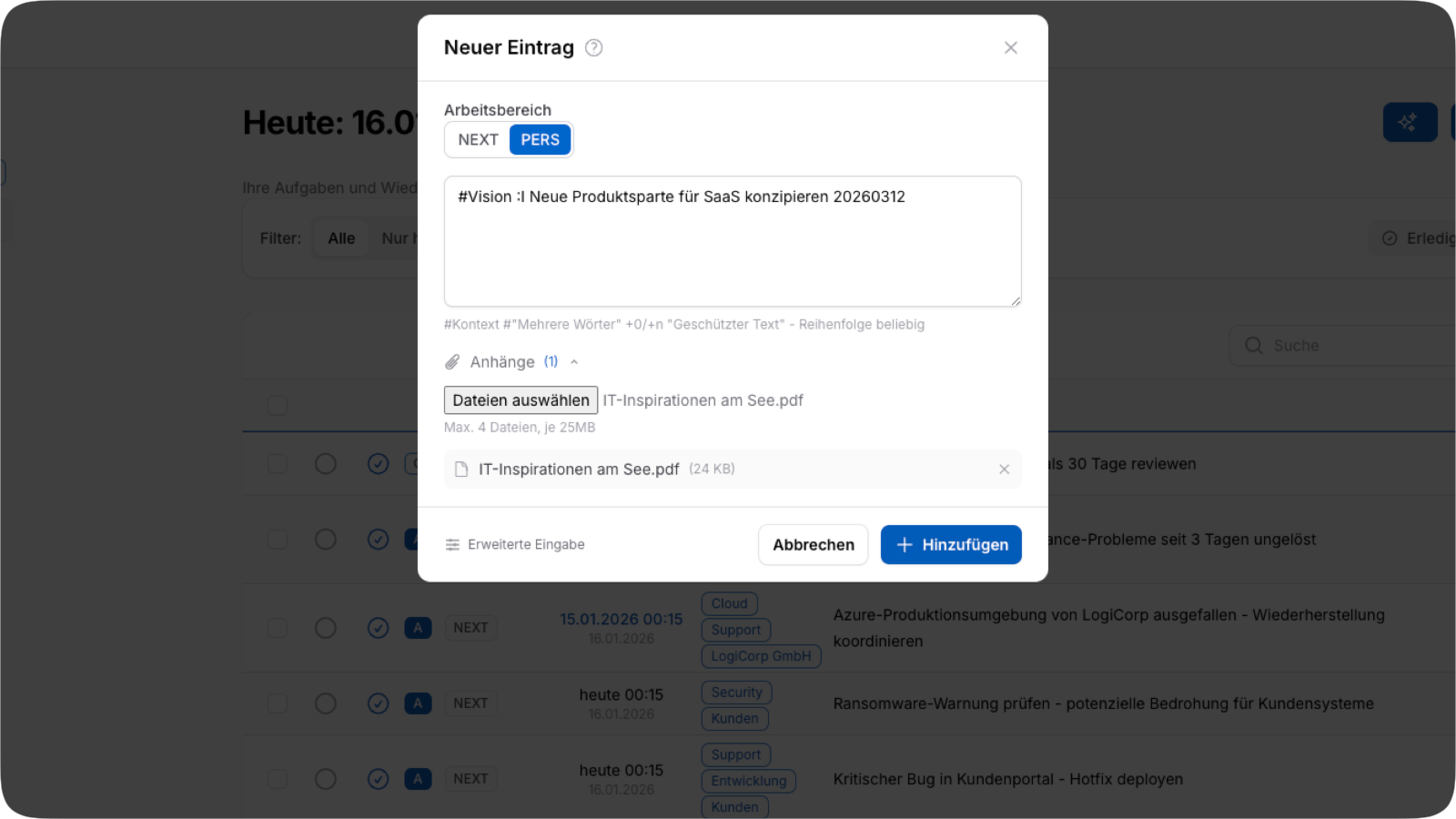
- With Quick-Add syntax, capture entries in a flash. Contexts, date, priority, and type – all in one line.
-
Keyboard-First
- Extensive keyboard shortcuts for fast navigation and editing – without taking your hands off the keyboard.
-
Workspaces
- Organize your content in separate areas for different roles, projects, or responsibilities.
-
Recurring Tasks
- Automatic recurrence for regular tasks – daily, weekly, monthly, or yearly.
-
Context Map
- Explore relationships between contexts in list or network view and discover connections visually.
-
Favorites & Views
- Save frequently used filters as favorites for quick access to your most important information.
-
Bulk Actions
- Edit multiple entries at once – change priority, complete, or delete with just a few clicks.
-
Dark Mode
- Choose between light and dark theme or let the system decide automatically.
-
Email Notifications
- Daily task overview in the morning and reminders before due follow-ups – so you never forget anything.
-
Pro: AI Summary
- Generate intelligent summaries of your items – weekly review, project progress, or priority check.
-
Pro: Email Reception
-
Create items via email – simply forward an email to your personal FRED-App address.
💡 Authorize your assistant as a sender – they can then send tasks directly to your inbox. With Quick-Add syntax, priority, context, and follow-up are captured automatically.
-
Pro: AI Document Import
- Upload documents and let AI automatically extract tasks, decisions, and references.
-
Pro: AI Suggestion
- Get concrete solution suggestions for tasks and creative inspiration for ideas – including relevant web links.
Newsletter
Stay up to date
Receive valuable tips for better self-management, productivity techniques, and exclusive insights into new FRED-App features.
- Productivity tips & best practices
- Exclusive insights into new features
- No spam – unsubscribe anytime
Maintain overview. Make better decisions.
FRED-App works quietly in the background. It reduces cognitive load, increases clarity, and creates reliability in executive daily life. What is recorded once is not lost. What is important resurfaces at the right time.